The short answer
A shopper who scans the barcode on an empty shampoo bottle wants that shampoo, not three that are a bit like it. A shopper who types 'gentle shampoo for a dry scalp' wants options. The right way to find the product depends on what the shopper already knows. Get this routing right and a whole class of mistakes disappears.
When should you use exact lookup instead of search?
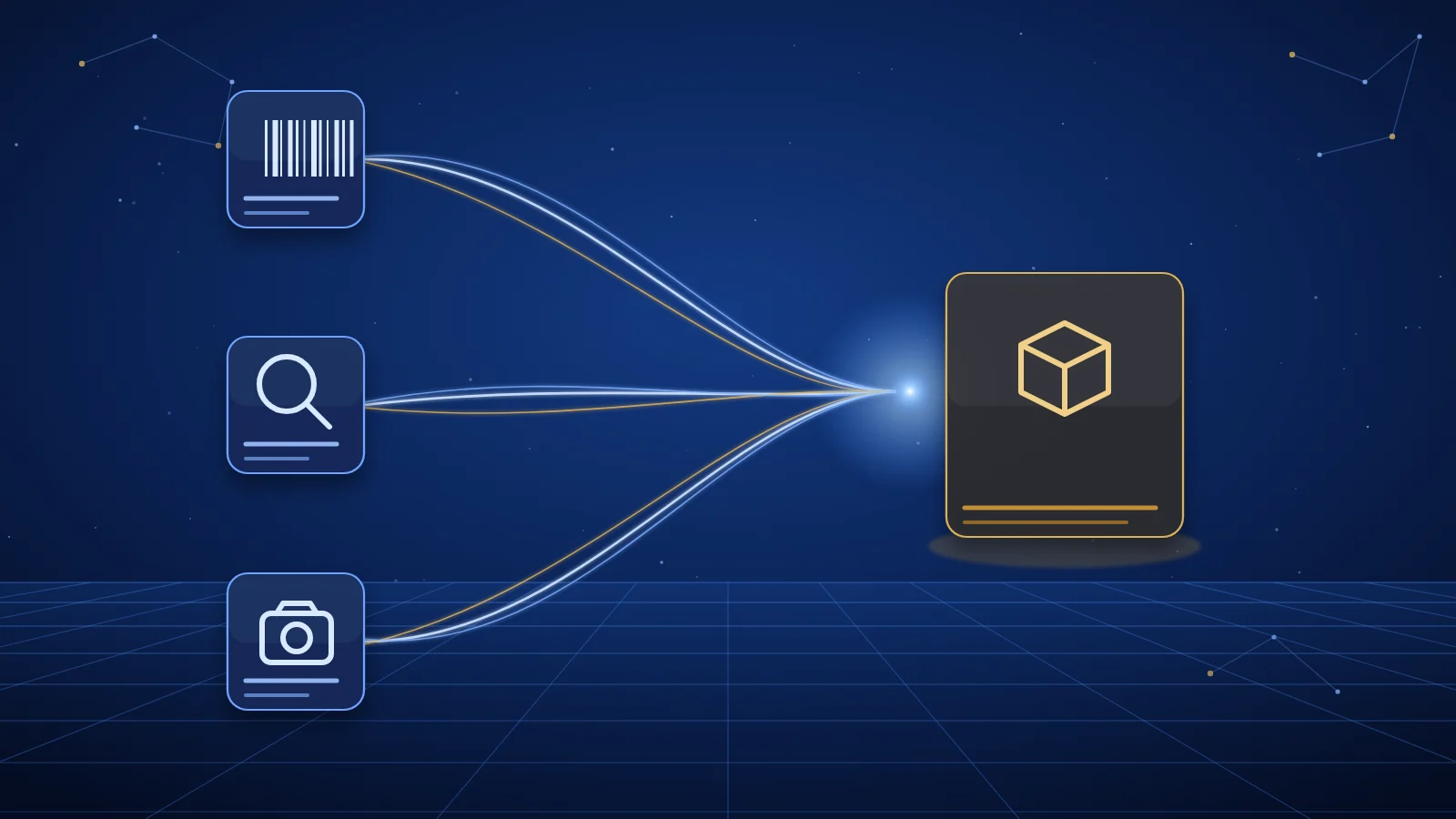
If the shopper gives you an identifier, look the product up exactly. If they give you a description, search. If they give you a photo, use image search. Only fall back from one to another when the first method fails, and tell the shopper when you do.
| What the shopper has | Method | Simlir cost |
|---|---|---|
| Barcode, GTIN, MPN or SKU | Exact lookup | 1 credit |
| A description or a need | Semantic search | 1 credit |
| A photo or screenshot | Image search | 2 credits |
| A product you returned earlier | Fetch by product ID | 1 credit |
What each identifier means
- GTIN: the number behind the barcode, such as an EAN-13 on most UK packaging. It identifies a specific trade item, including its size or variant.
- MPN: the manufacturer part number, often printed on appliances, electronics and spare parts.
- SKU: a retailer's own stock code. Useful within one retailer, less useful across many.
A GTIN is usually the strongest signal because it is shared across retailers. An MPN is strong when paired with a brand. A SKU often only means something to the shop that issued it.
Scenario 1: reorders
A shopper wants 'the same dishwasher tablets as last time'. If your app stored the GTIN or product ID from the first order, look it up directly. You get the exact pack size and a fresh dated price. Running a search for 'dishwasher tablets' would return the category, not the product, and the shopper would have to pick again.
Scenario 2: receipts
Receipts often carry a short product name and a retailer code, sometimes a barcode. Extract any identifier first and try an exact lookup. If the receipt only has an abbreviated name like 'KETTLE 1.7L BRSHD STL', expand it into a description and use semantic search, then ask the shopper to confirm which result matches. Do not present a search result as the item they bought unless the identifiers agree.
Scenario 3: barcode scans
A barcode scan gives you a GTIN directly, so it should almost always go to exact lookup. Validate the check digit before calling any API, since a smudged or partial scan produces a valid-looking but wrong number. If lookup returns nothing, say so and offer a photo or text search instead of quietly showing similar products.
Scenario 4: price checks
'Is this cheaper anywhere else?' only makes sense if you are comparing the same product. Exact lookup by GTIN or brand plus MPN ensures you compare like with like, including the same size or capacity. Show the retailer and the date each price was checked; prices move, and an undated price is a guess. See price source and checked time.
When search is the right call
Most discovery starts without an identifier: 'quiet fan for a bedroom', 'waterproof trail shoes, wide fit'. That is where semantic search earns its place, because it matches intent and constraints rather than exact words. Our guide to natural language versus keyword search covers why. When the shopper has a picture but no words, image search finds visually similar products and returns them as structured data.
A routing order that works
- Check the input for an identifier: a barcode, a 12 to 14 digit number, or a brand plus part number.
- If found and valid, run exact lookup.
- If the input is an image, run image search.
- Otherwise, run semantic search with any stated constraints as filters.
- If lookup finds nothing, fall back to search and say the result is a suggestion, not a match.
What it looks like with Simlir
Simlir is a structured product-data API for AI shopping. Exact lookup uses GET /api/v1/lookup with an identifier, its type and a market. Semantic search uses GET /api/v1/search. Both return the same clean JSON shape: title, identifiers, specifications, image, a dated price snapshot and the retailer link.
GET https://simlir.com/api/v1/lookup?identifier=5012345678900&type=gtin&gl=gb
Authorization: Bearer YOUR_API_KEY

GET https://simlir.com/api/v1/search?q=gentle+shampoo+for+dry+scalp&gl=gb&limit=5
Authorization: Bearer YOUR_API_KEY
Over MCP, the same choices are the simlir_lookup_products_by_identifier, simlir_search_products and simlir_search_products_by_image tools. Search results can be fewer than the limit you set, or empty, so handle both. Full parameters are in the docs, and plans are on the pricing page.